Interface
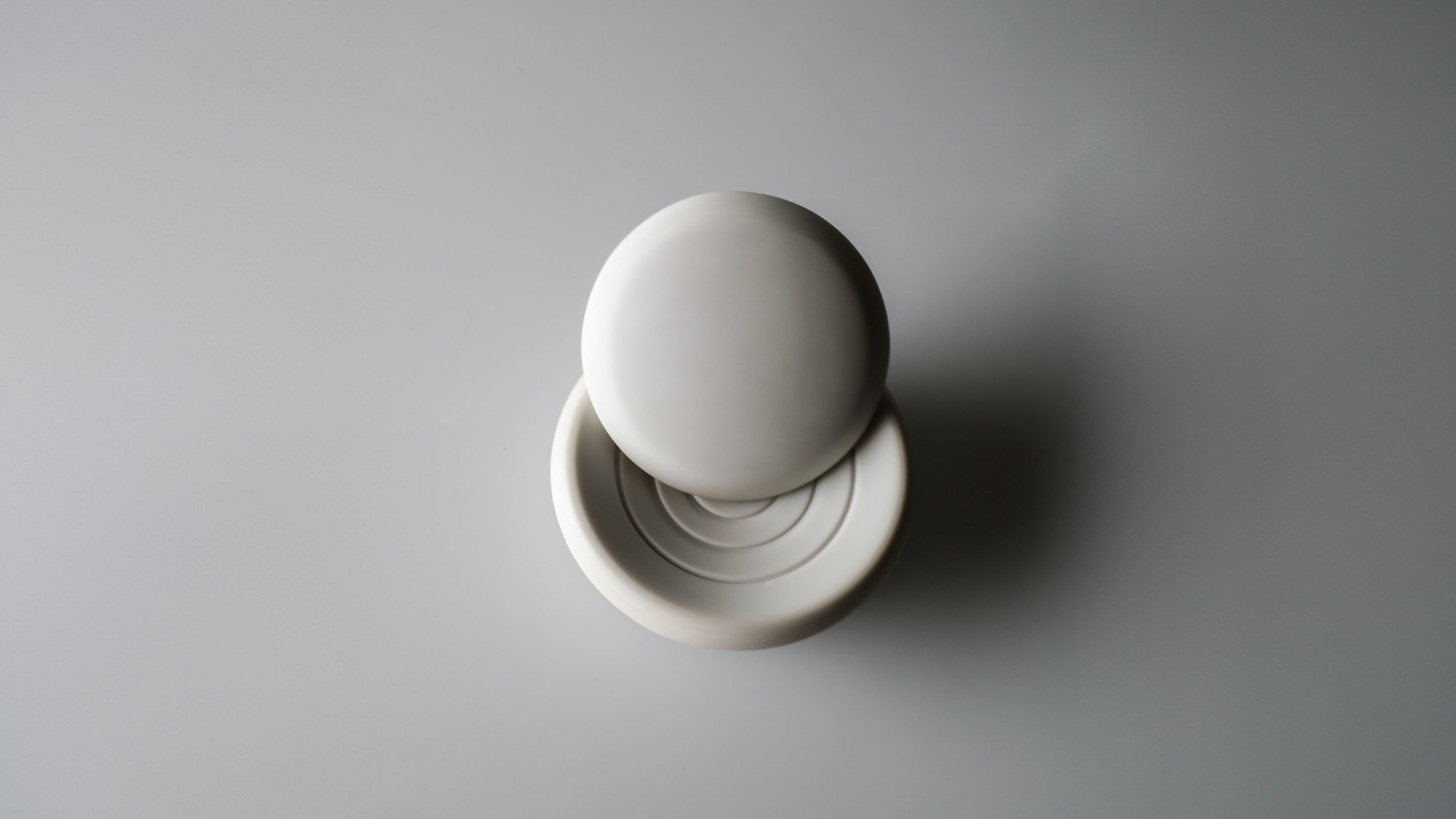
A tangible way to act on personal data at home. It creates a dedicated moment for every decision and engages through spatial interaction.
A physical pause, built into the moment you decide what to share.
A physical object that adds a moment of thought to personal data decisions.
Project summary
Personal data feels abstract and overwhelming, so most decisions about it happen automatically, without a second thought.
frictions adds a short, deliberate pause before those decisions are made. Together with a companion app, it turns privacy from something abstract into a simple, conscious choice people make at home.
In 2025, people spent an average of 1.4 seconds deciding on a cookie banner.
Consent is not getting more thoughtful; it’s getting faster — one more reflex we perform online every day, with no real pause, all by design.
Both concepts explore how people can engage with their data through an object. In the light concept, light shows a setting and also signals that something can happen here. In the movement concept, the same decision becomes tangible by moving the object. We found the second more convincing: it adds a sense of belonging and a calm, restrained presence on the desk, where the light is not constantly changing. Light stays on as an additional medium for later.
Moving the object makes the decision tangible, and the desk stays calm. Everything that follows builds on this concept.
A tangible way to act on personal data at home. It creates a dedicated moment for every decision and engages through spatial interaction.
Extra information and guidance when needed. View, update or revoke past decisions for devices, apps and websites.
An algorithm that learns which data matters to you. It connects all devices at home and handles the technical complexity out of sight.
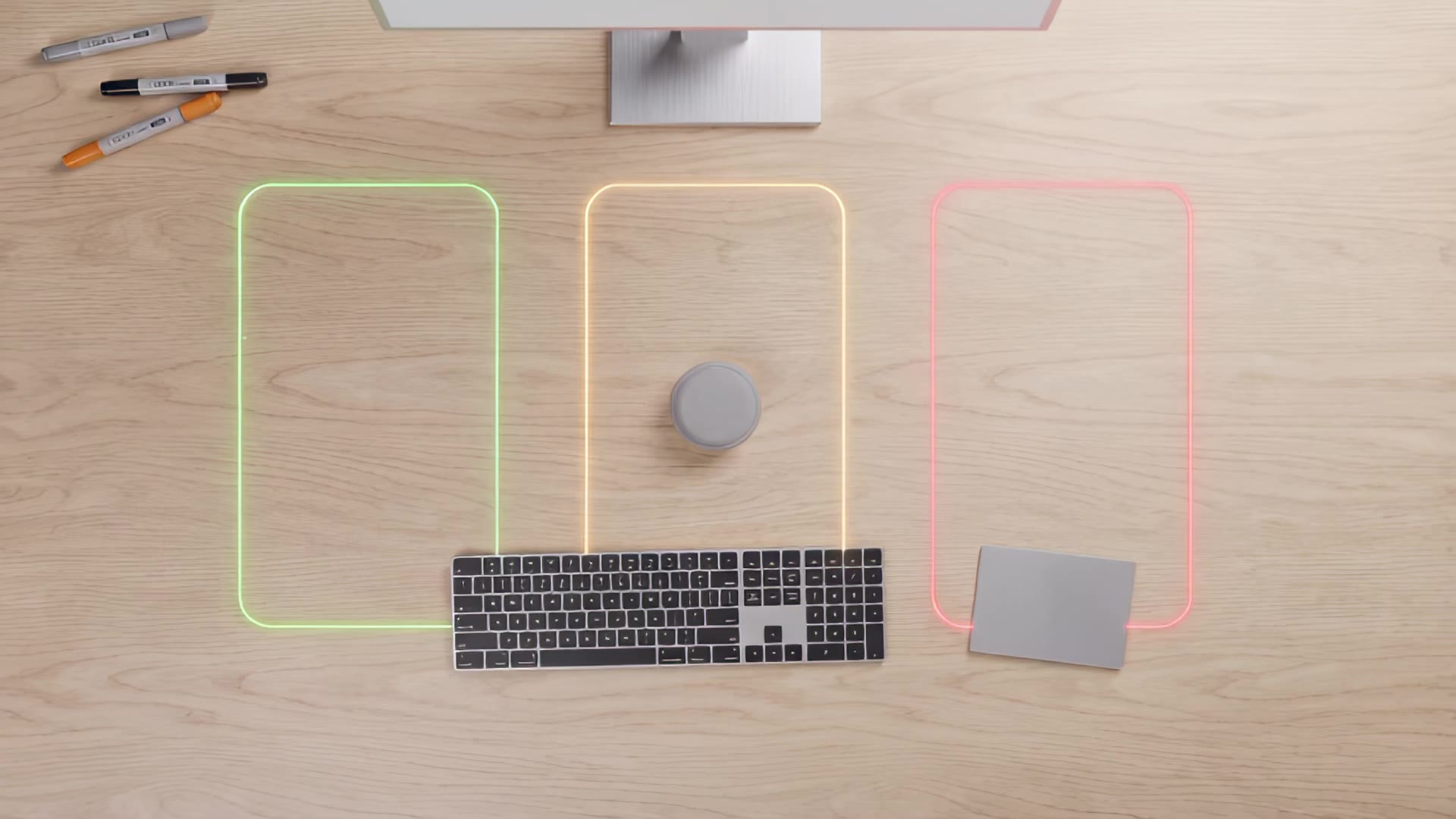
Your placement decides what data to share.
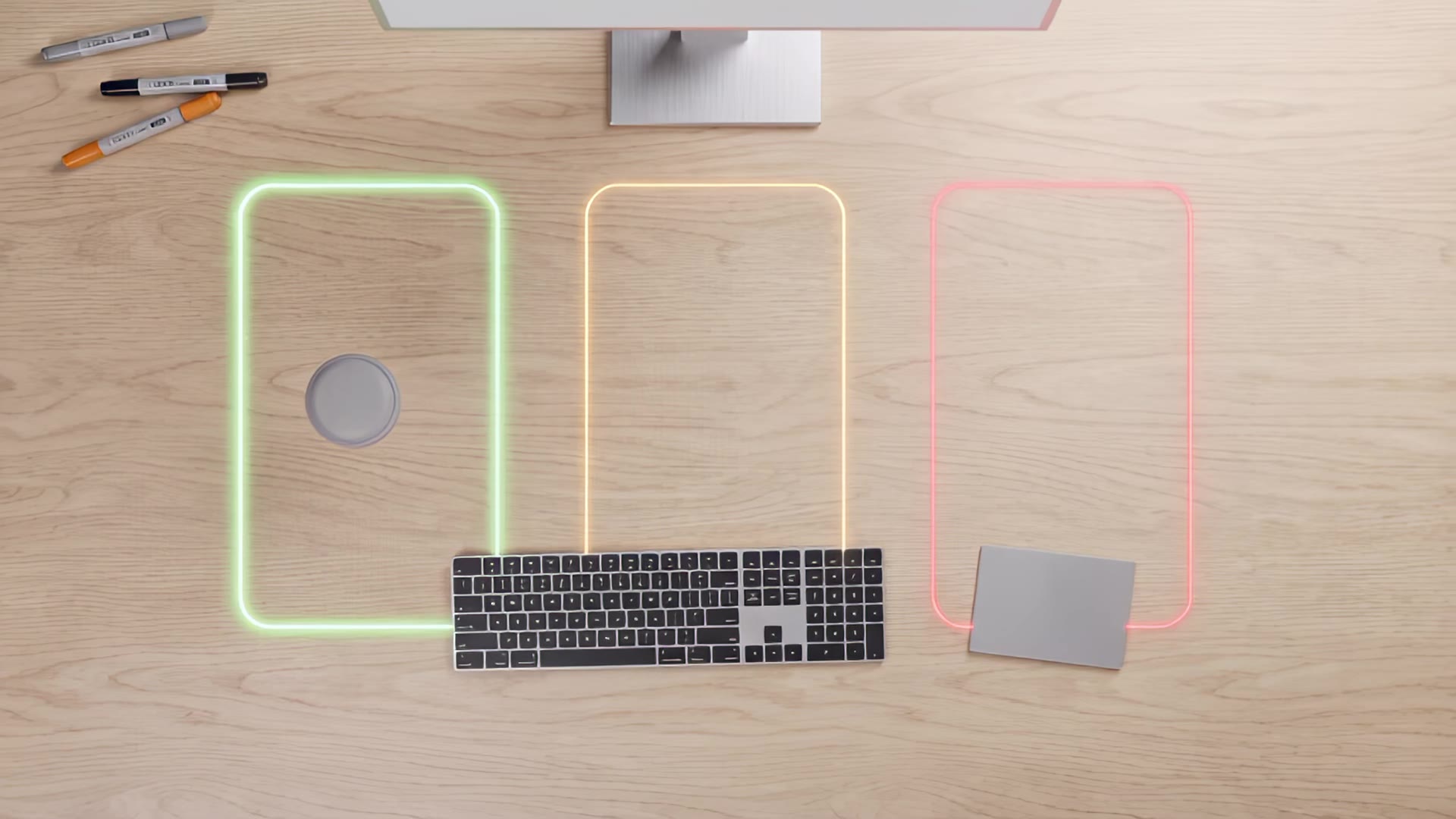
The provider may use your data for education, research or other useful purposes. You are willing to share most of it.
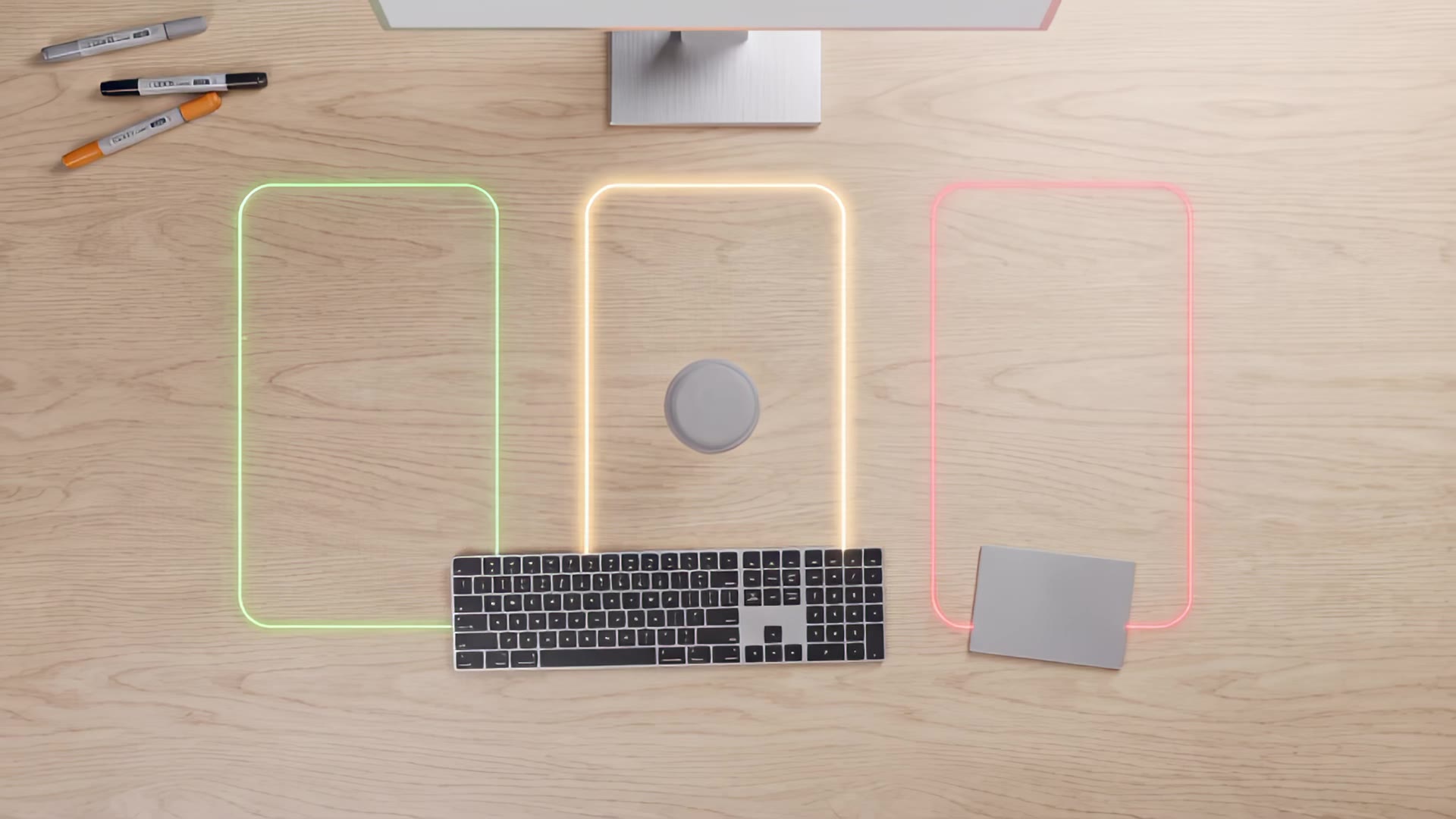
You want to share some of your data, but not all of it.
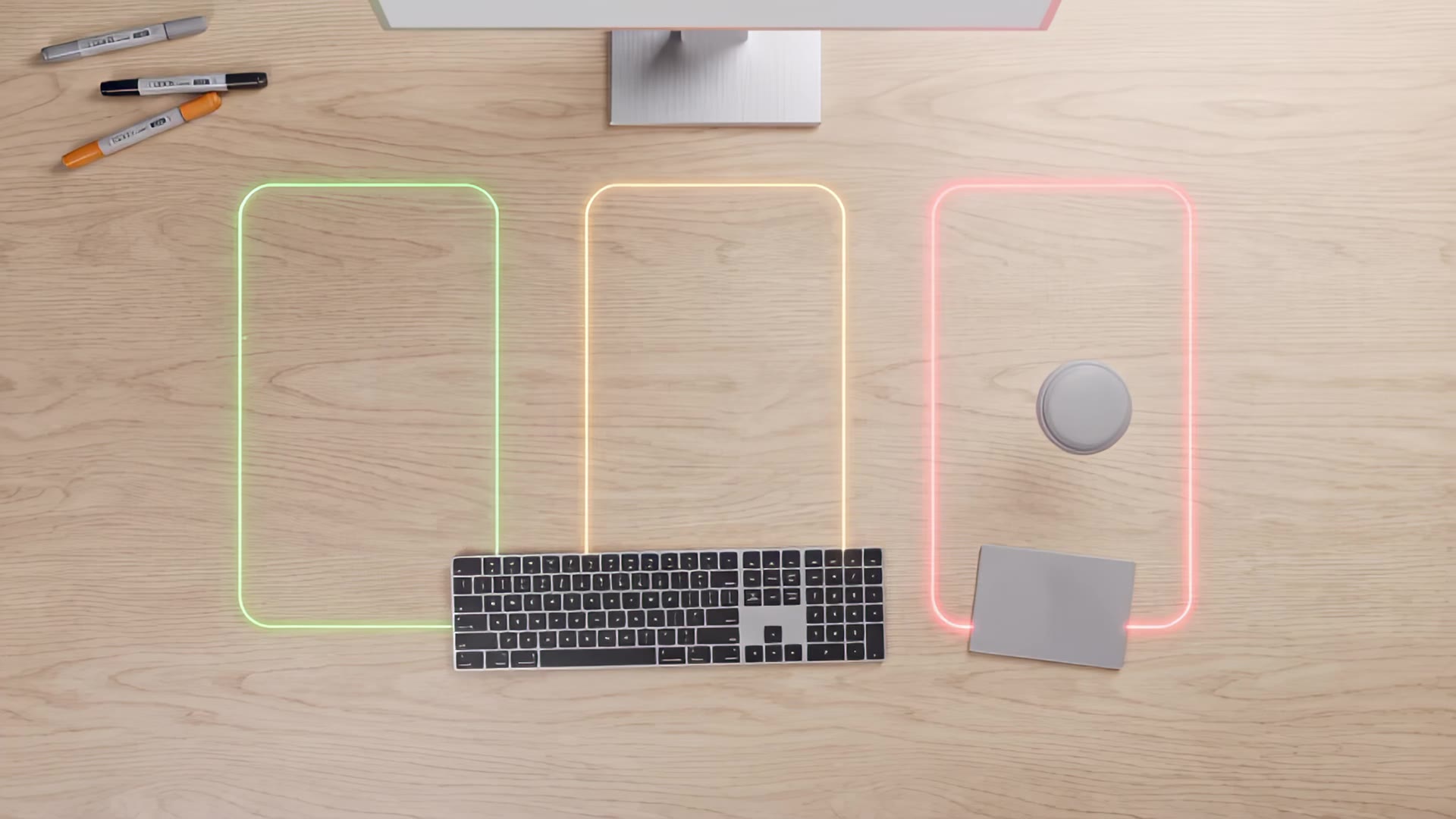
You feel unsafe sharing your personal data with this provider and want to restrict most of it.
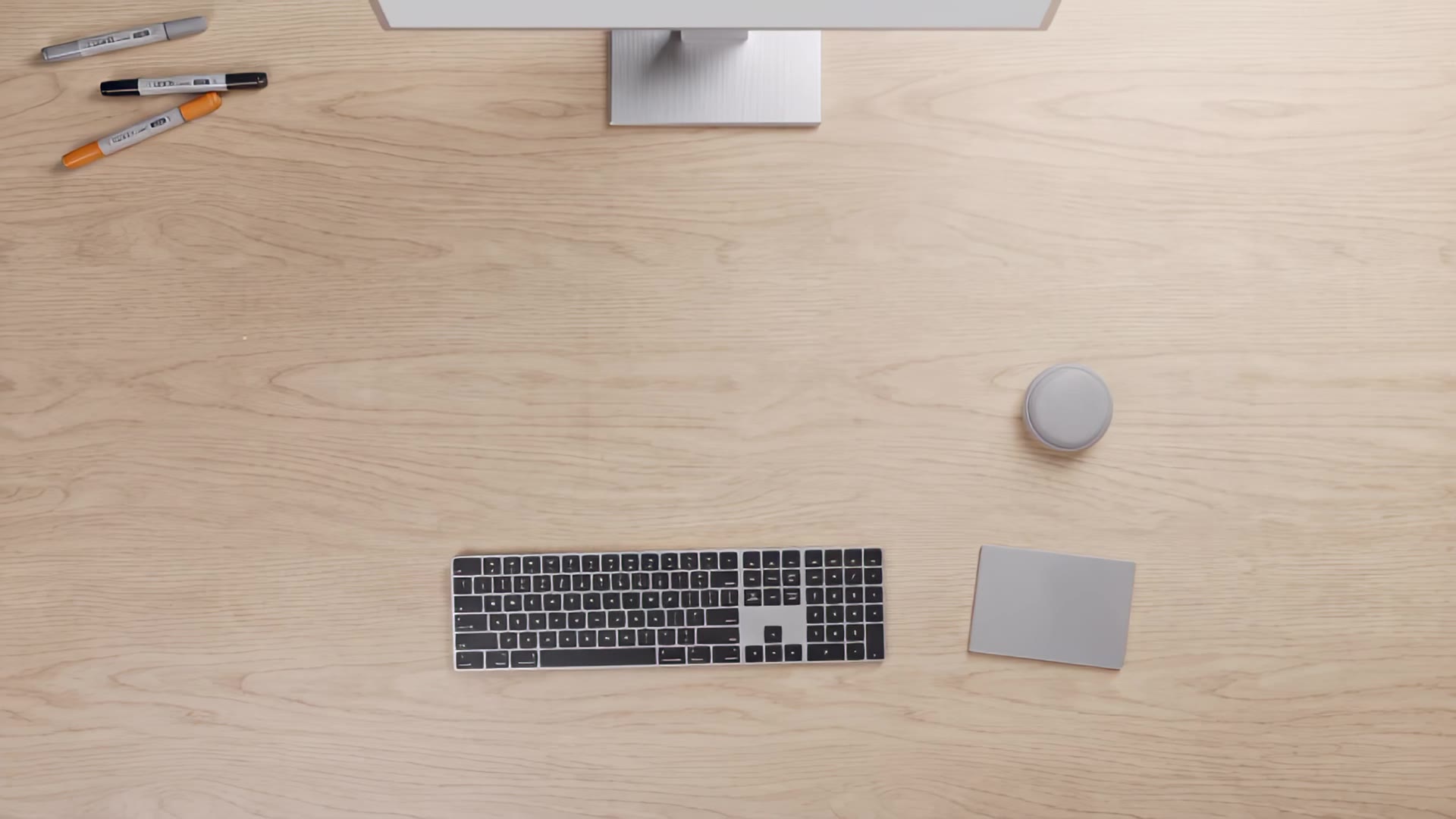
Where you set the device down is an active decision. You base it on a feeling, without losing track of what you wanted to do.
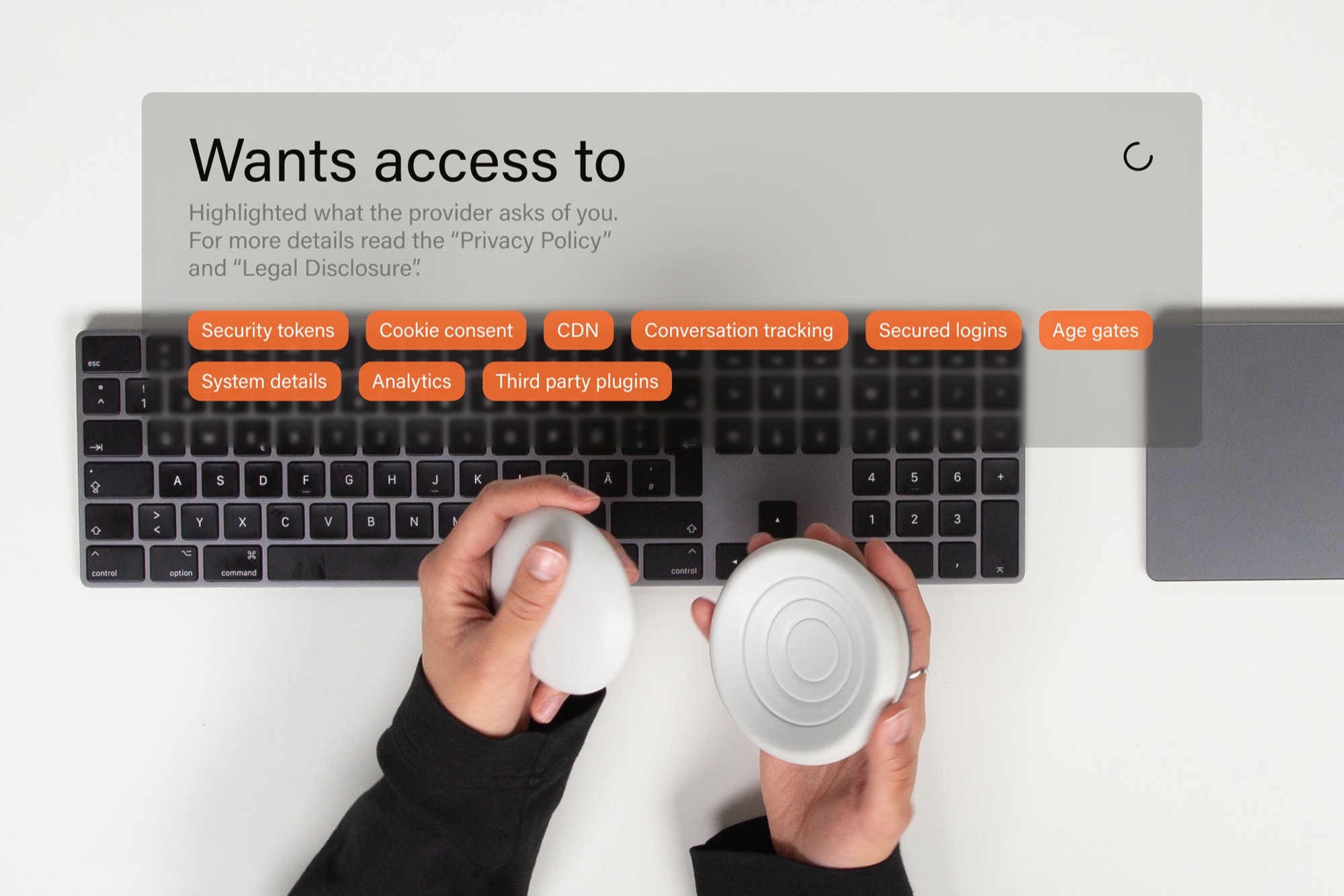
Open the lid while holding the device to see the full request on your screen: every type of data the website asks for, at a glance.
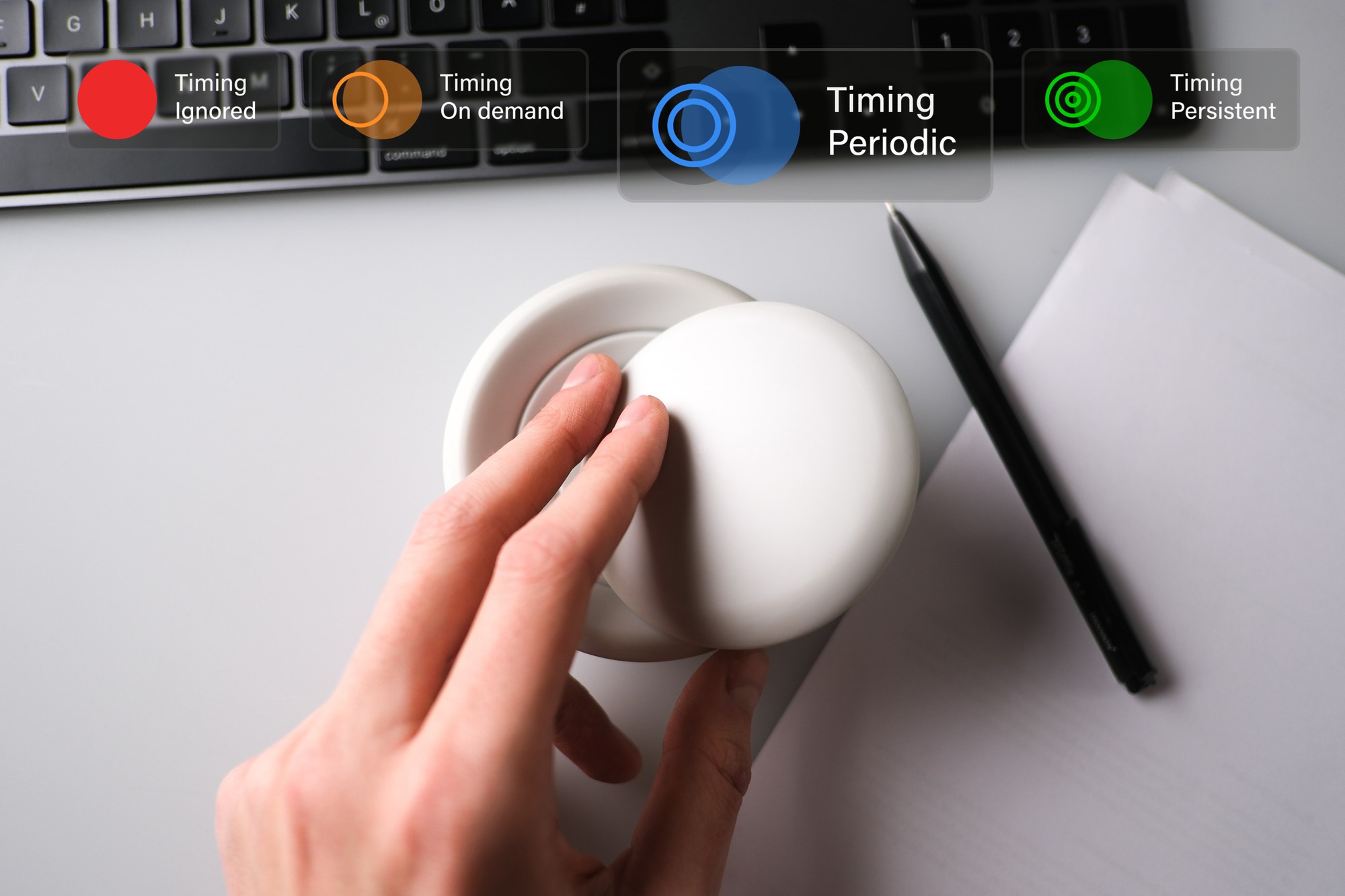
Slide the dome off its base to set when the device may interrupt you. The further it moves, the sooner it speaks up.
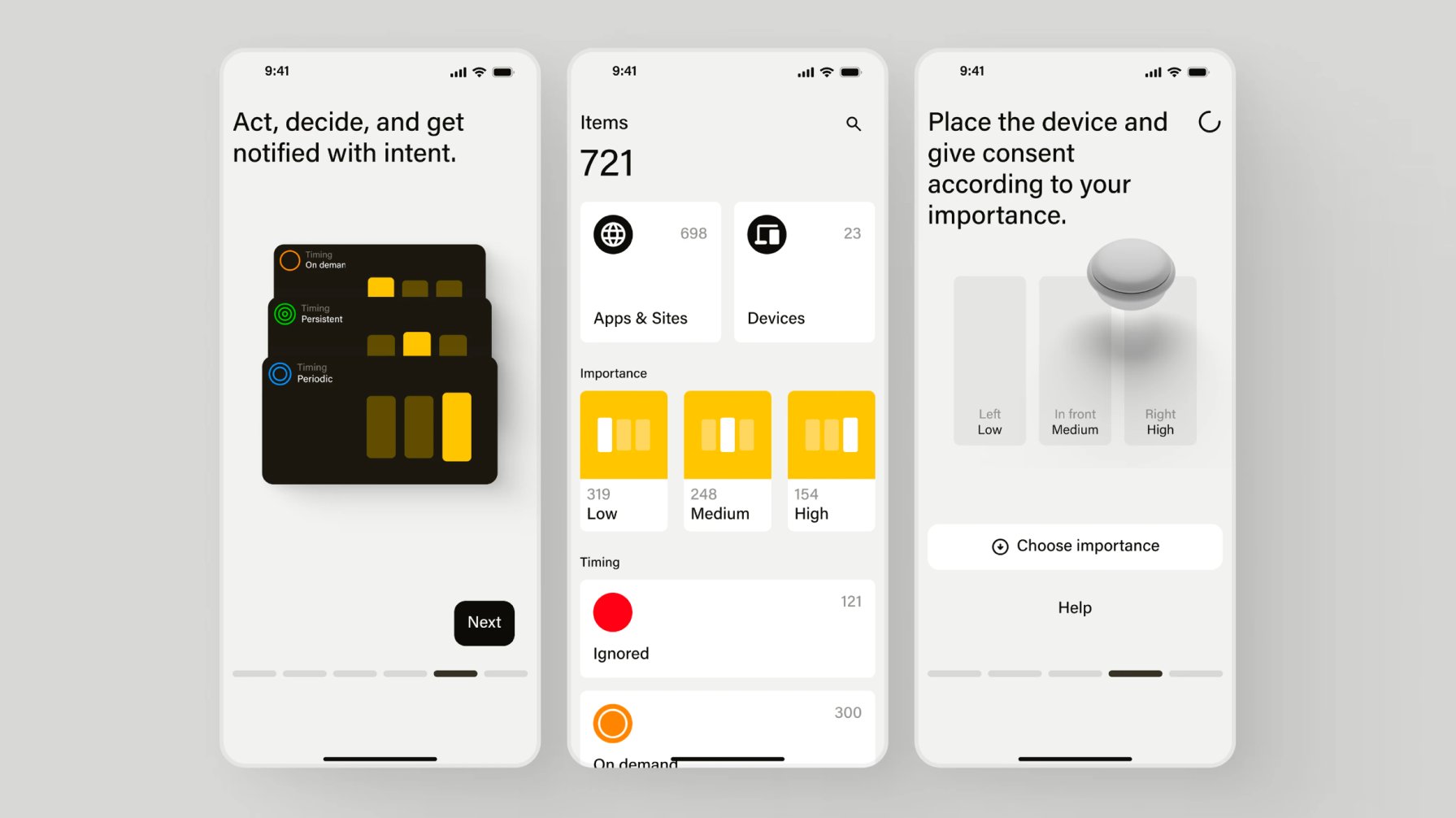
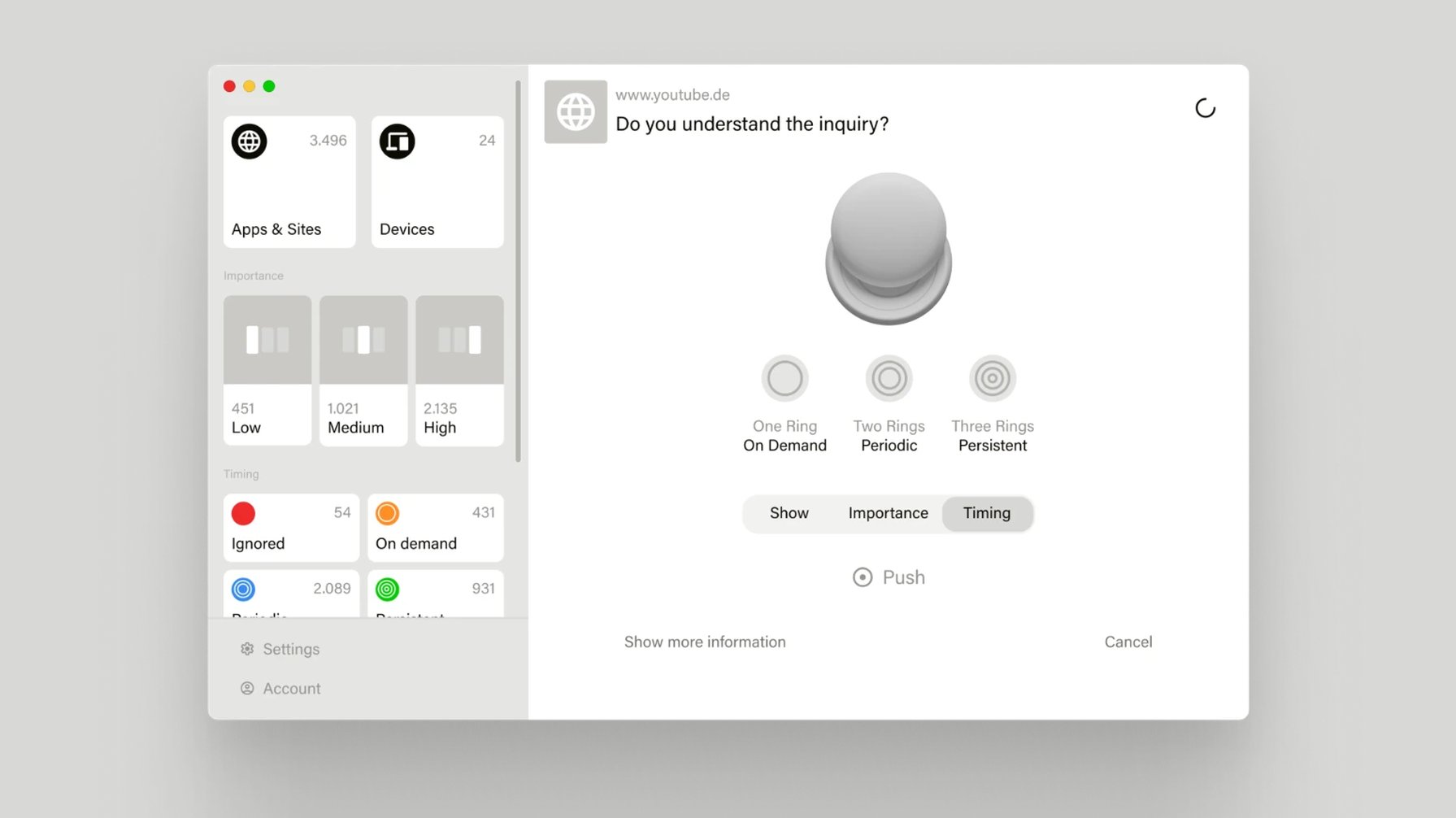
Designed and user-tested to see how people get along with the device. Some flows explain it from the start; others grew out of the questions people asked while testing. The clearest finding: it needs far more explanation up front.
Requested data: the types of personal data a website asks for
Background service: sorts each type into its category and learns from past decisions
Example: how the background service may sort a user’s preferences on similar websites
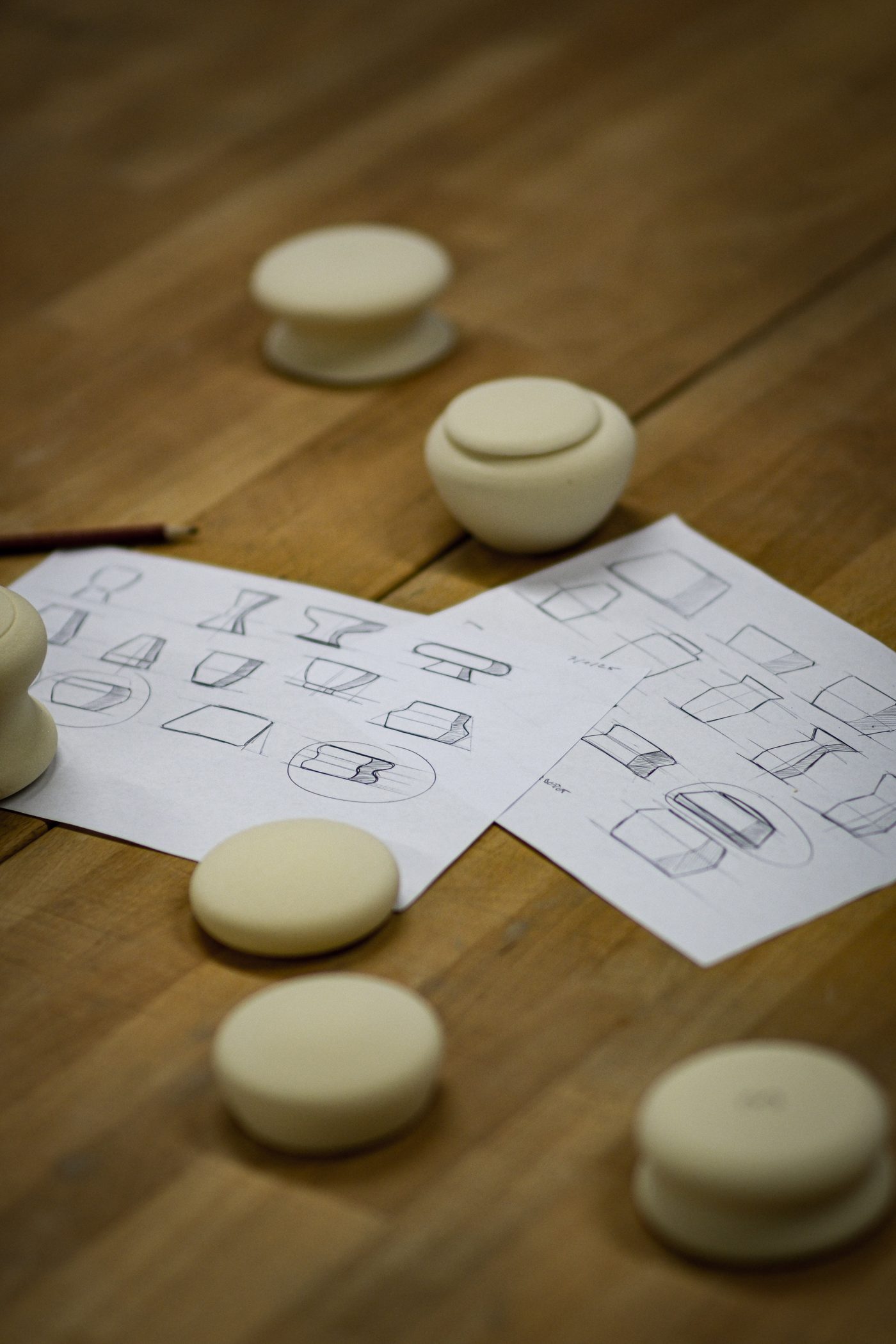
No front, no back. We wanted an object you can pick up from any angle — one less thing to think about. After clay models and other early prototypes, we turned many shapes from polyurethane foam and tested them by hand with users to settle the final form.
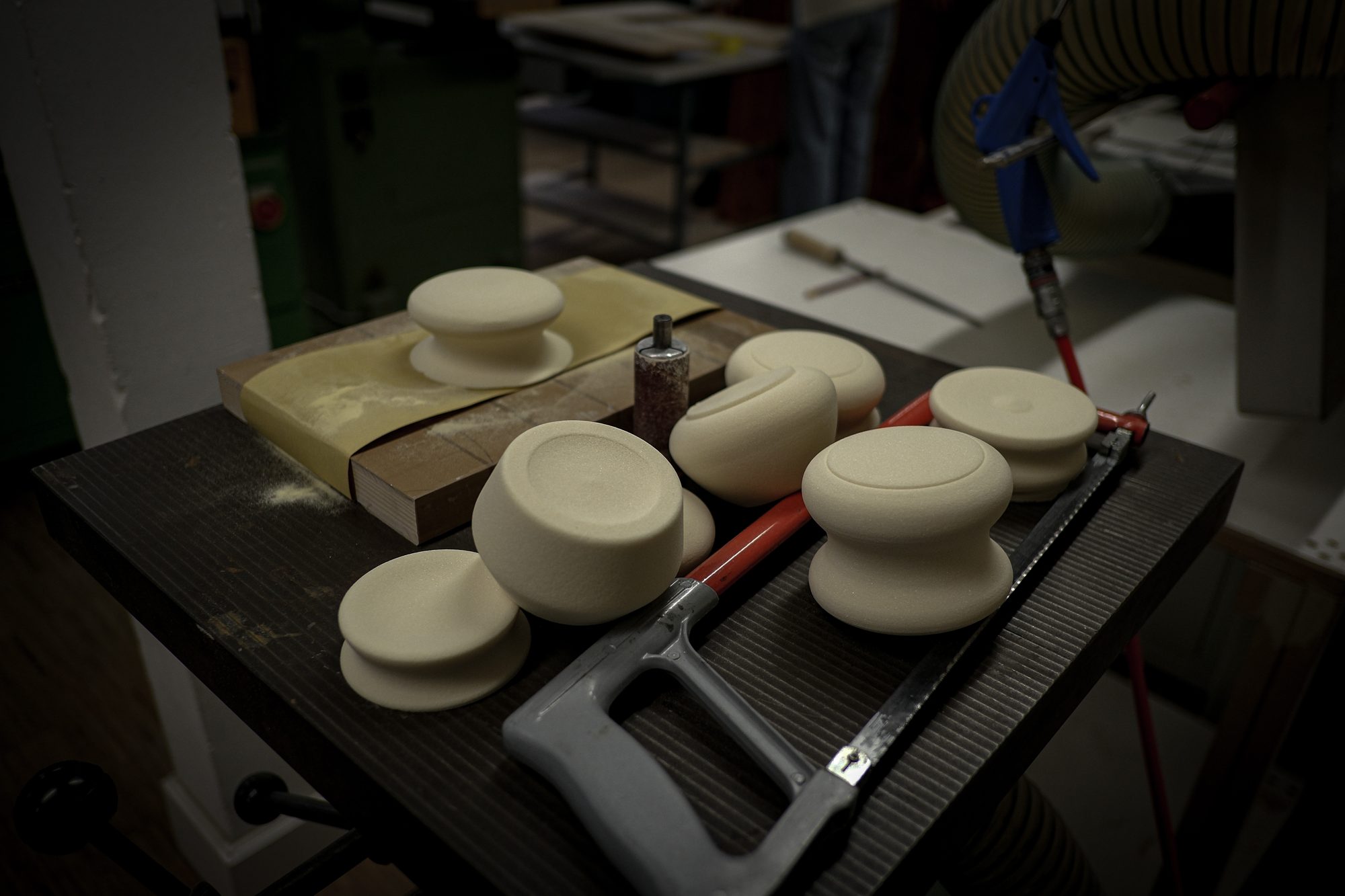
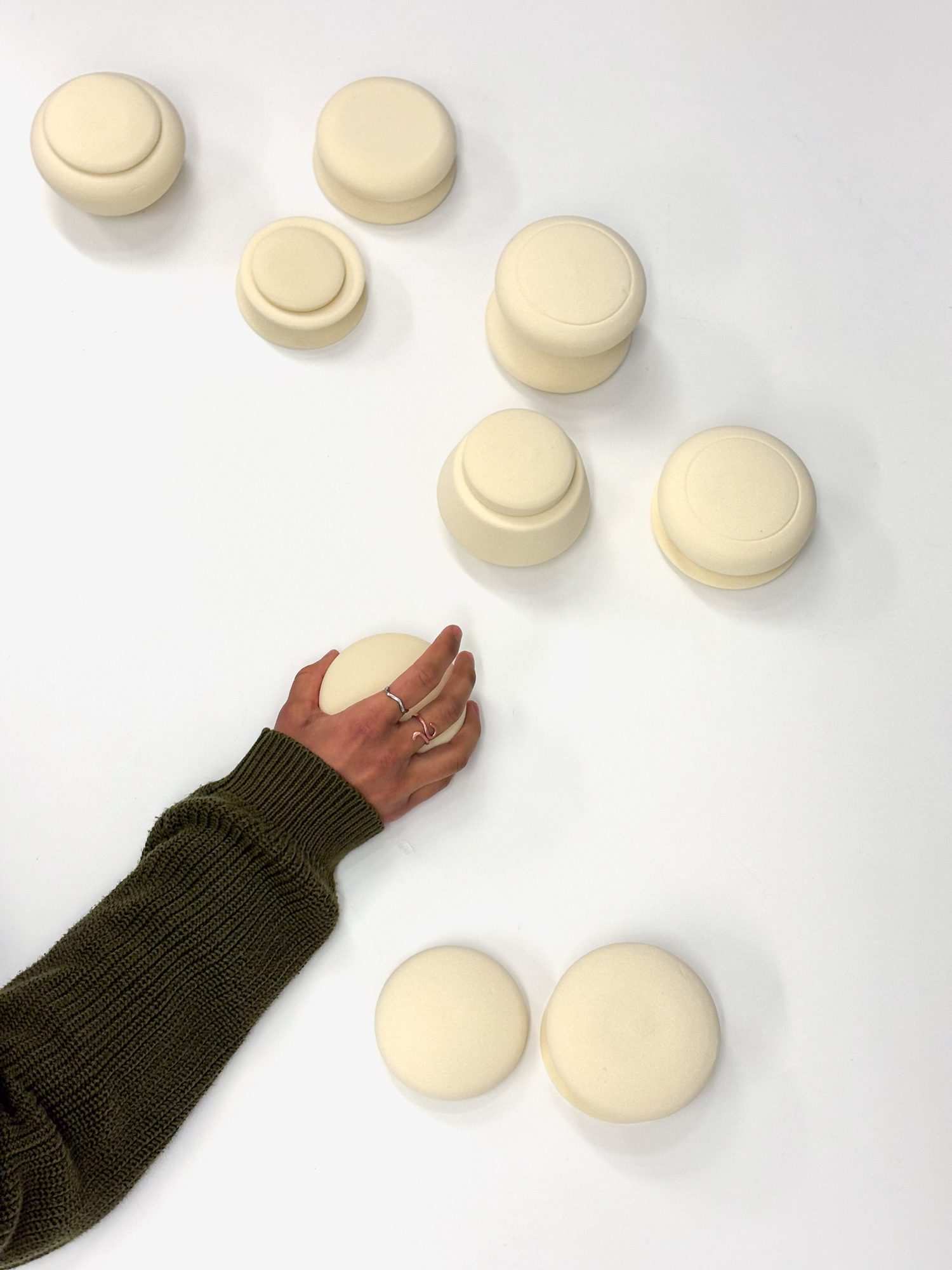
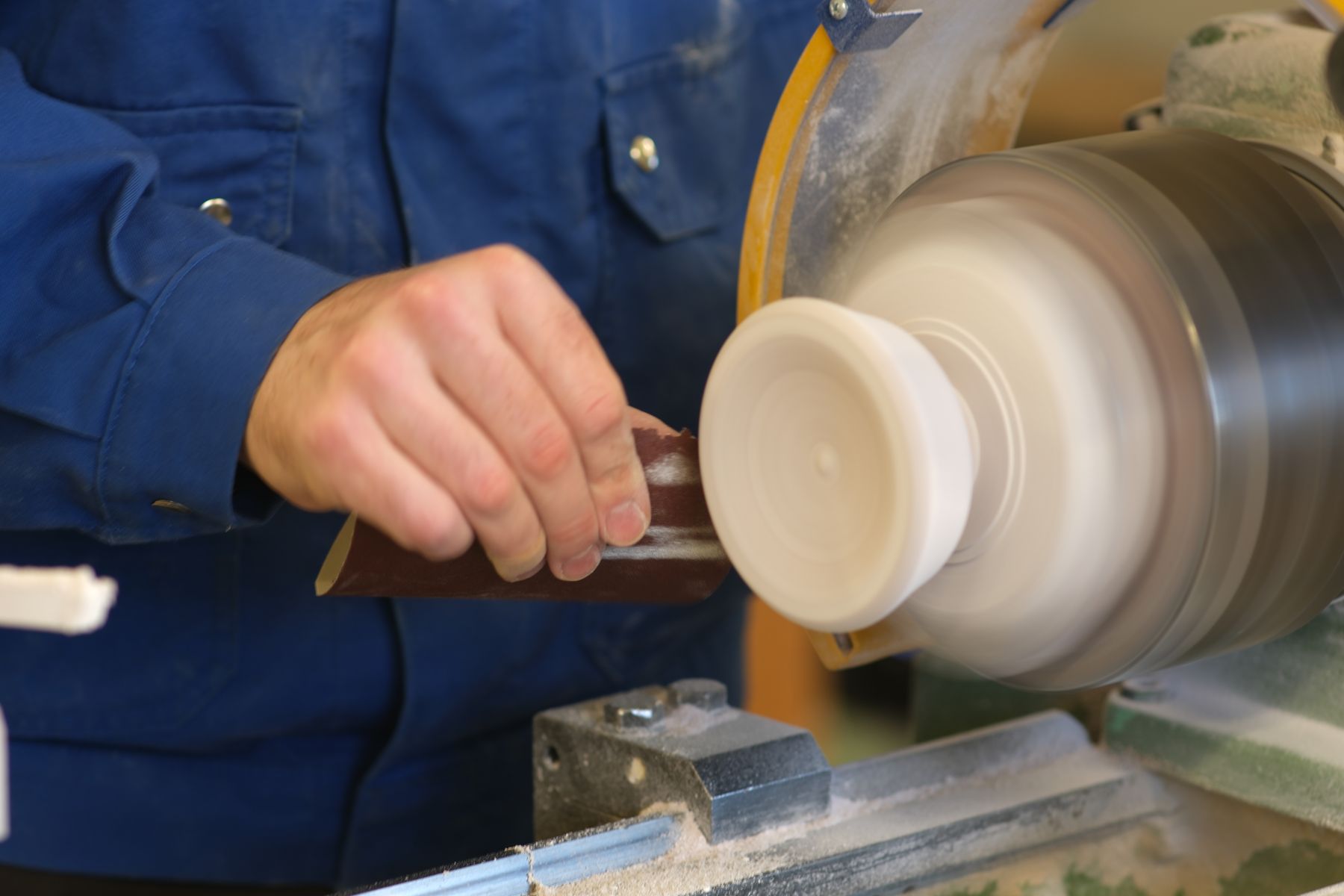
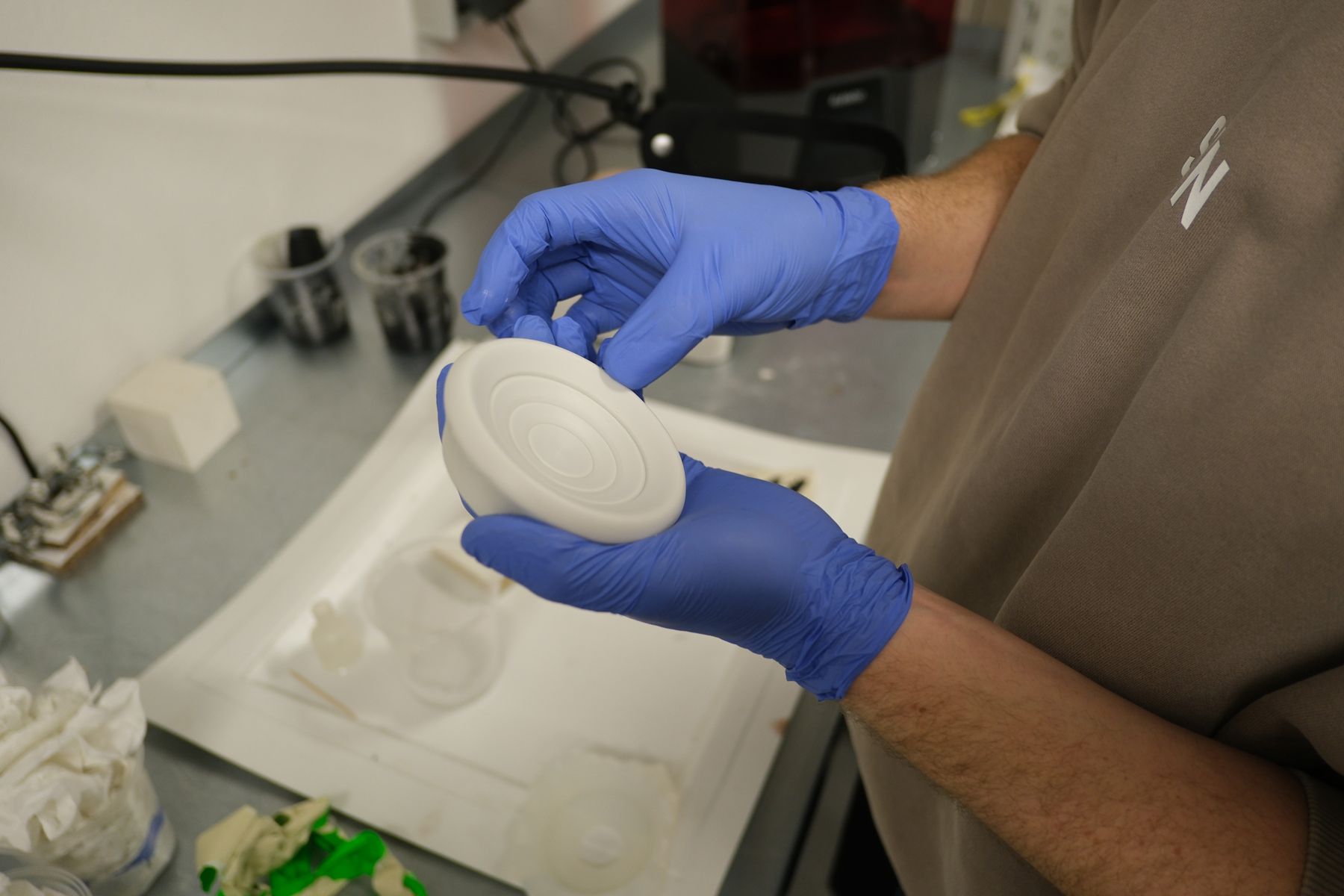
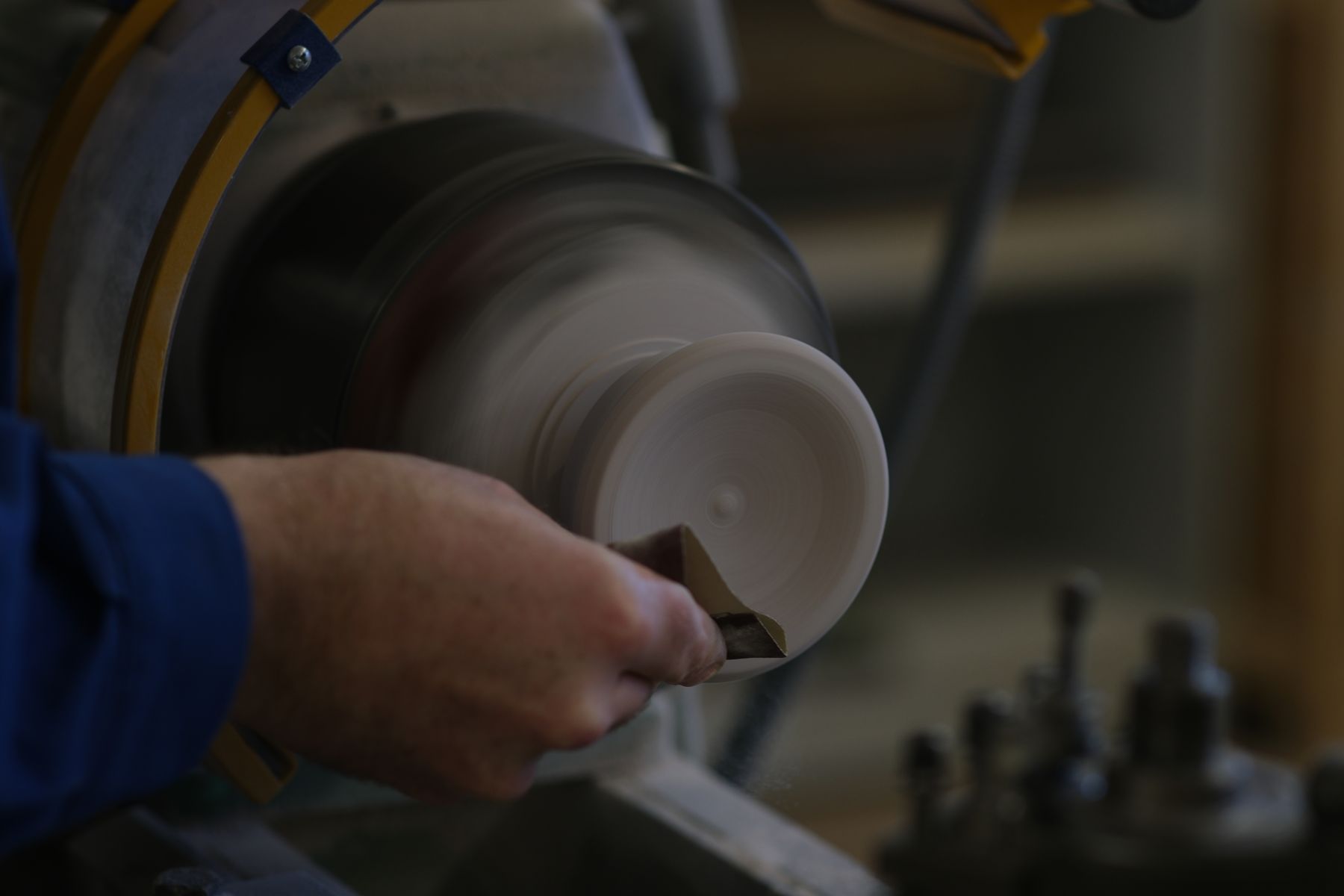
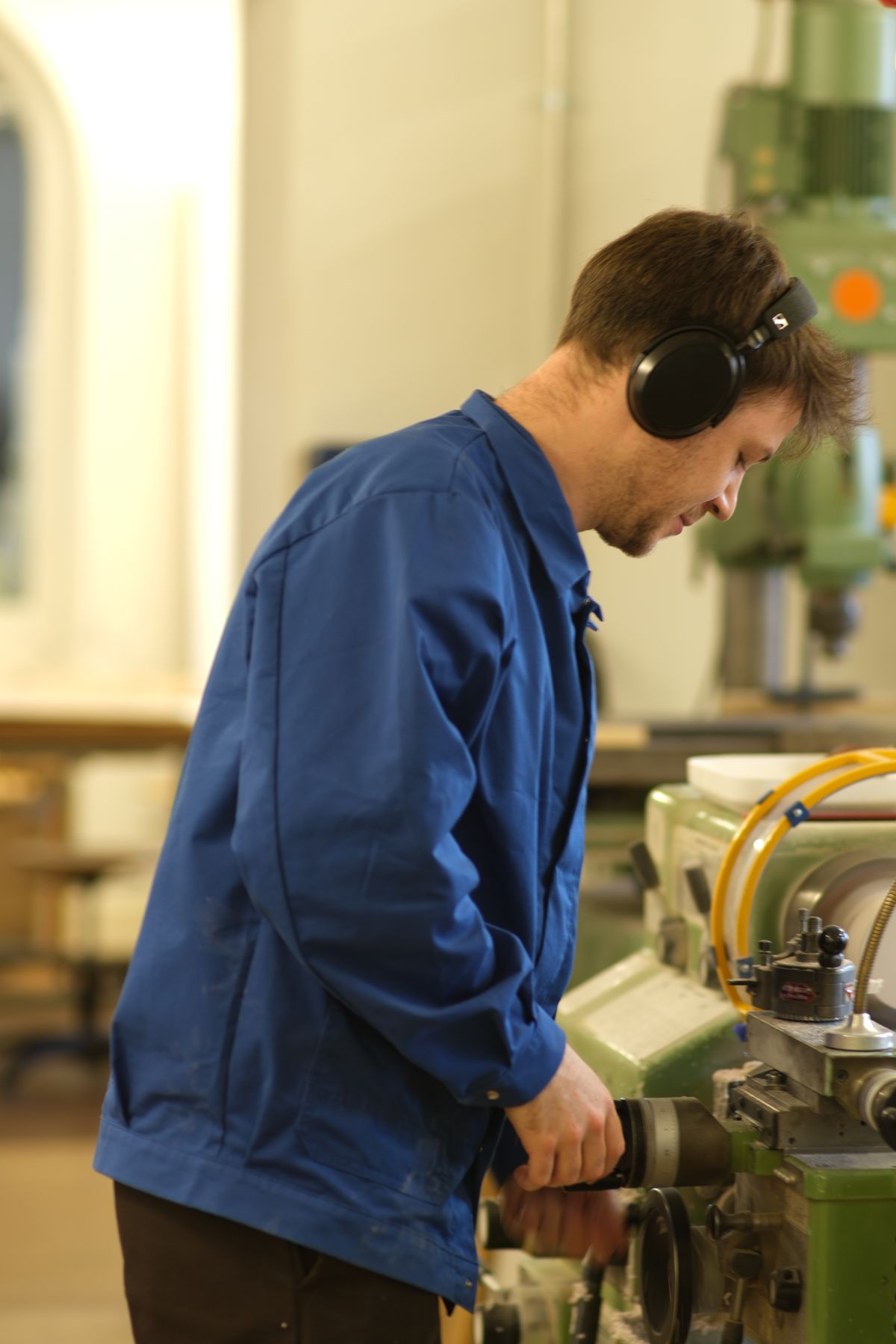
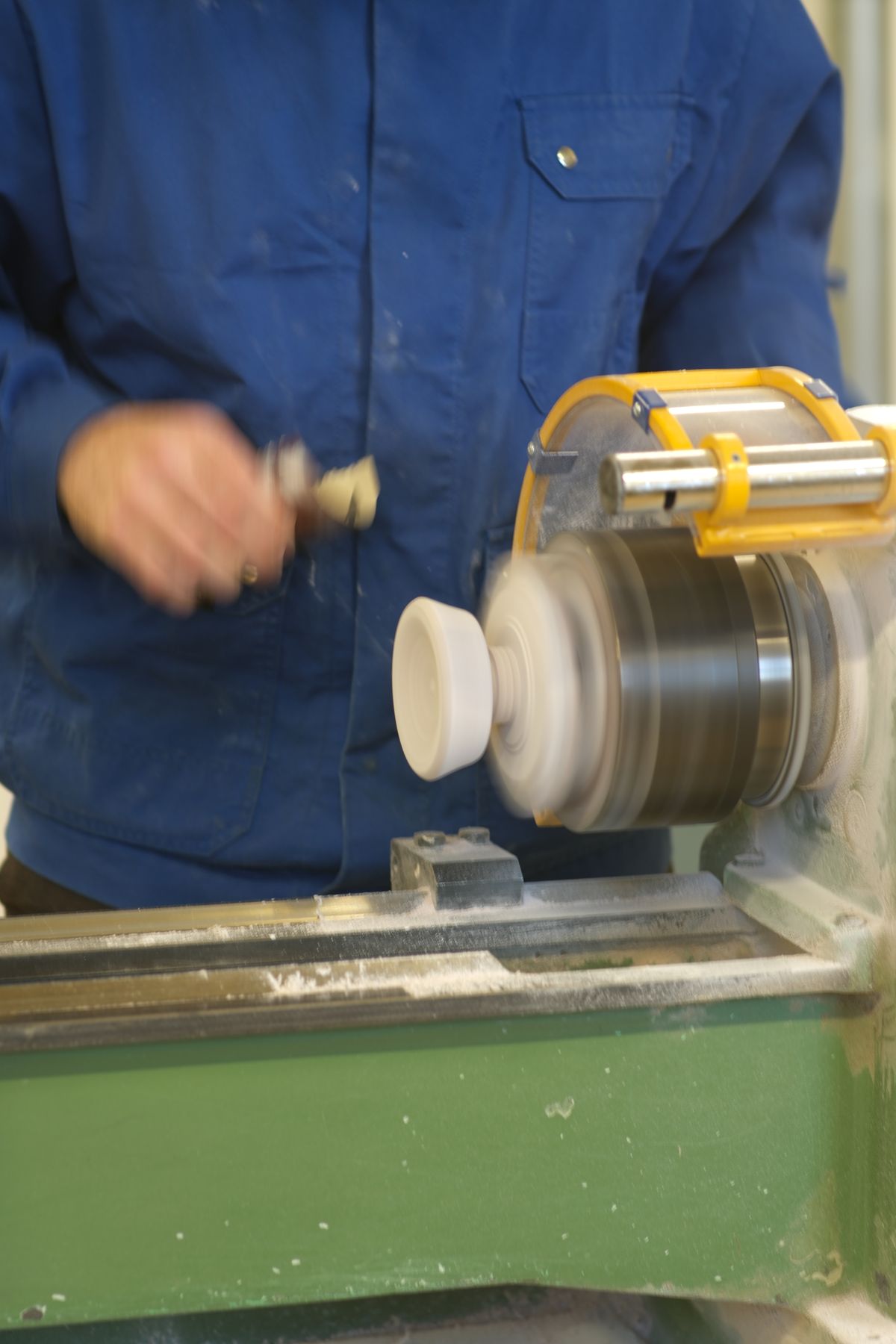
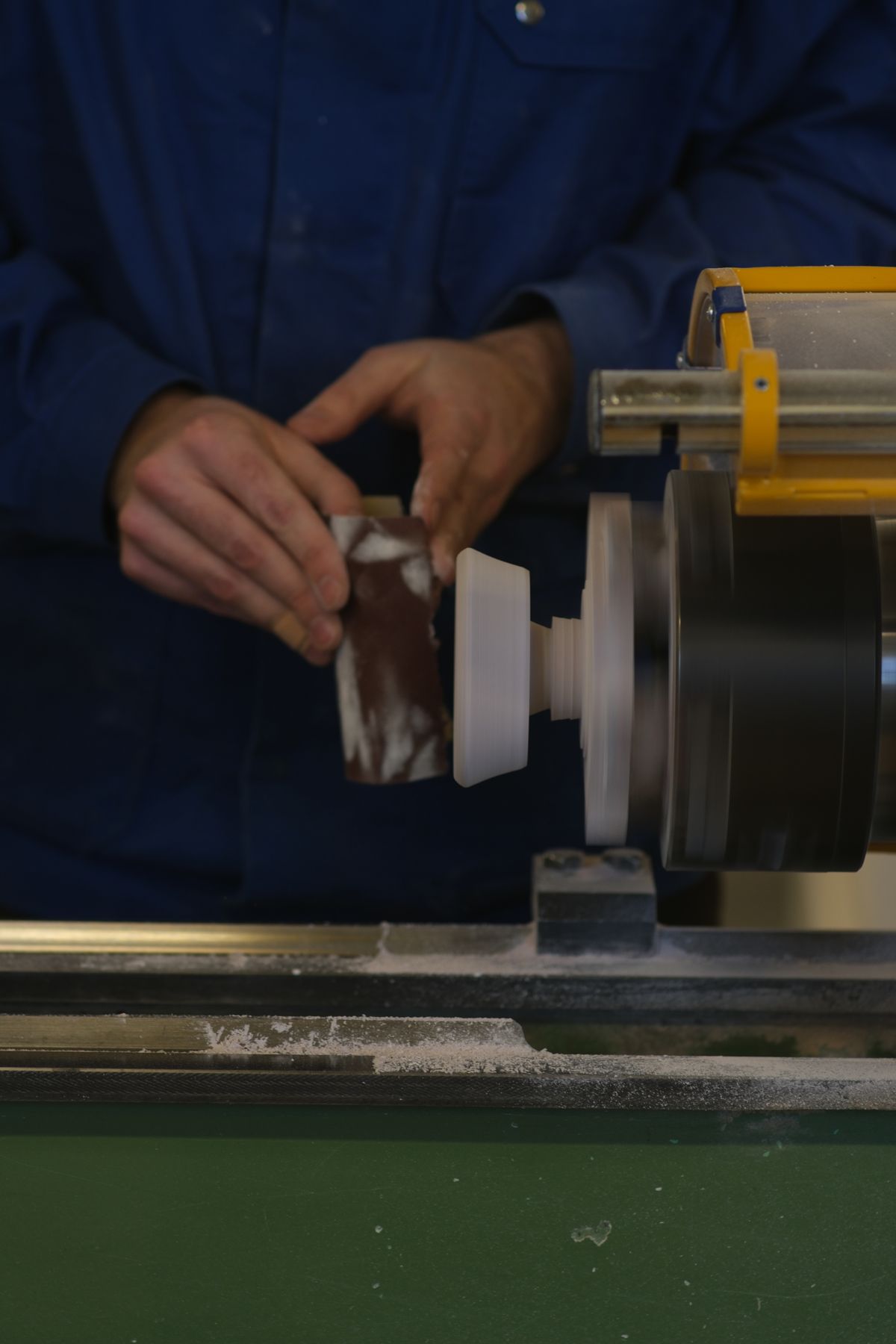
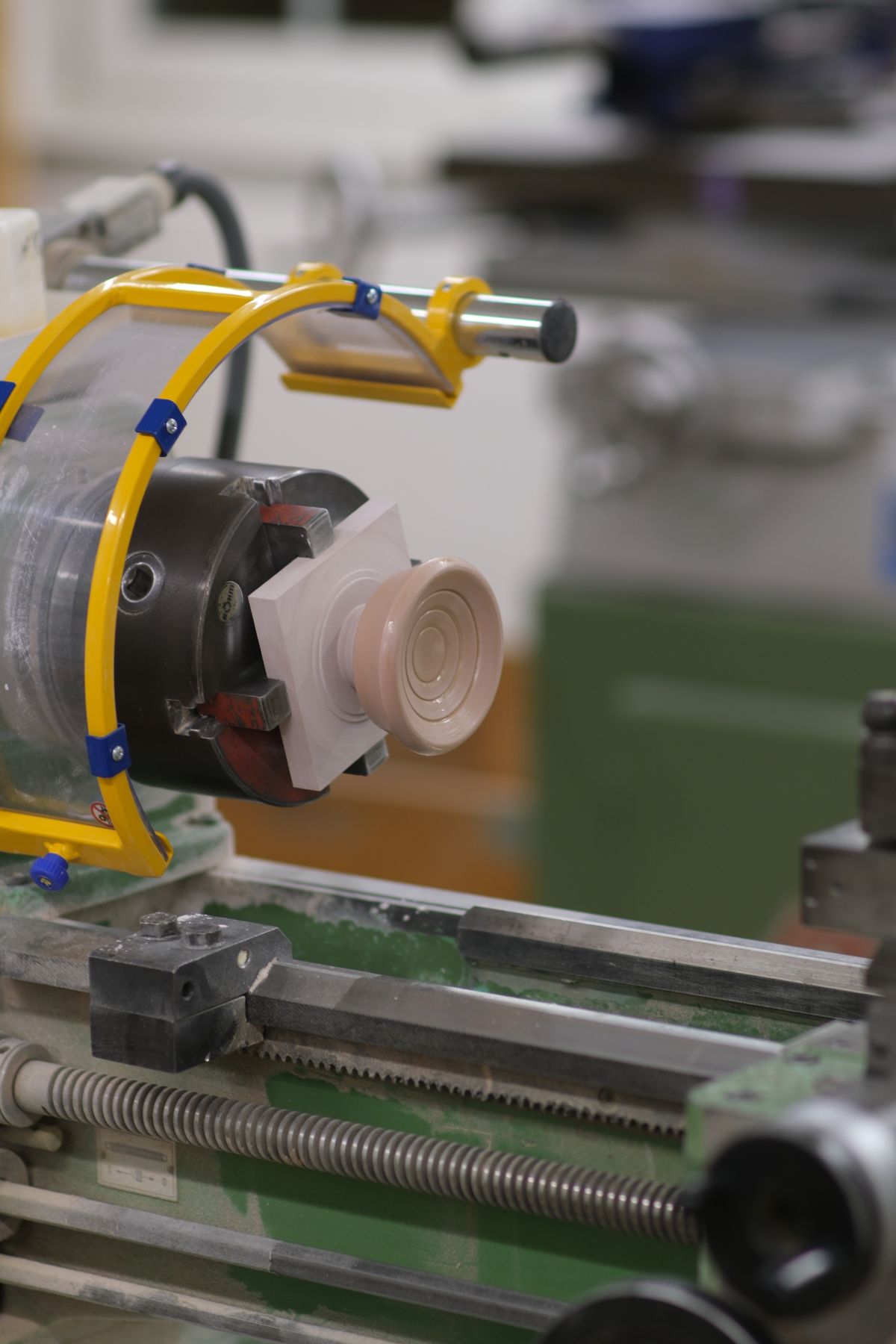
Turned on the lathe. We turned the base from Ureol, a polyurethane modelling board that cuts cleanly with no grain, following a 3D-printed template. Then we sanded it to 1200 grit and sealed it for a smooth finish.
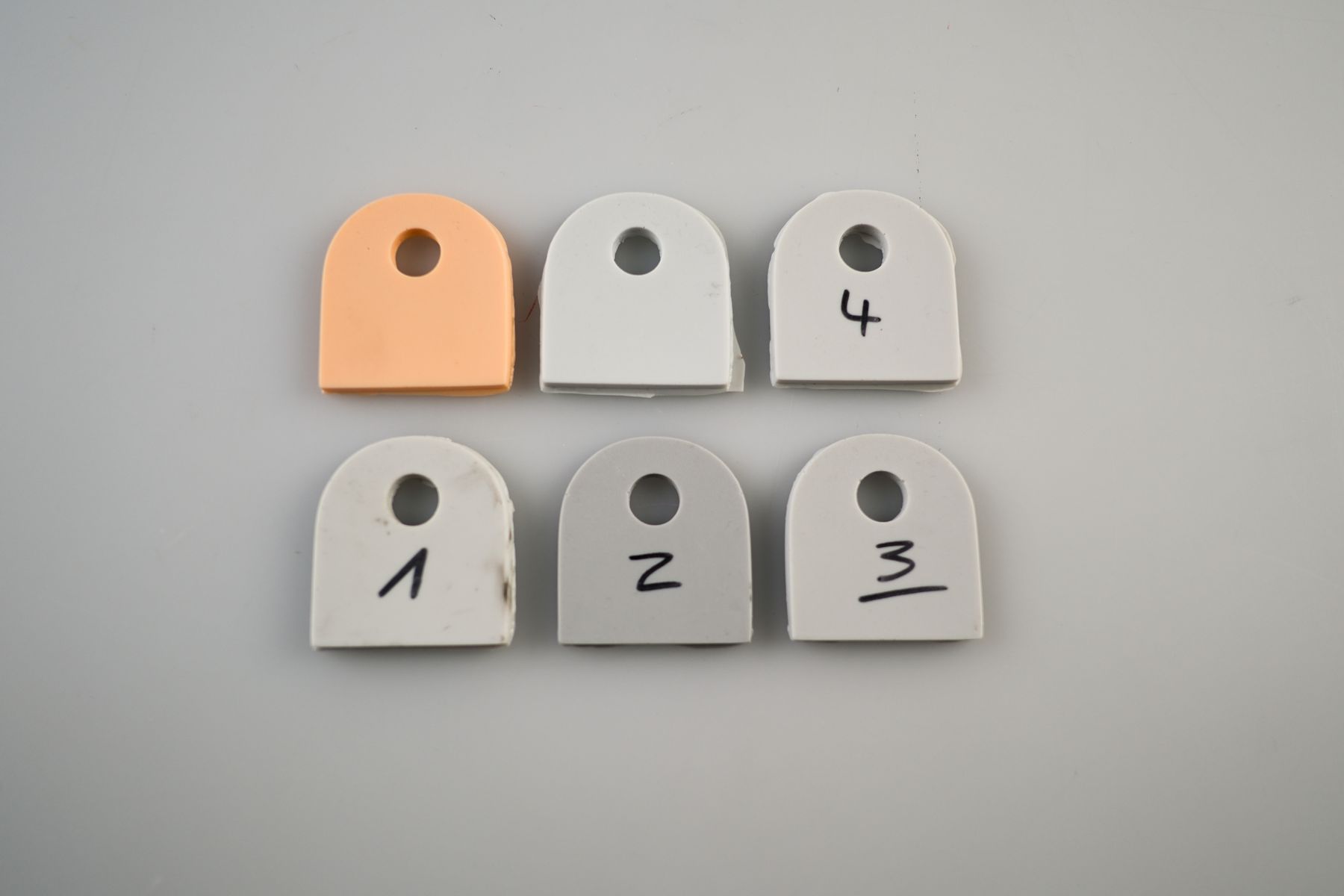
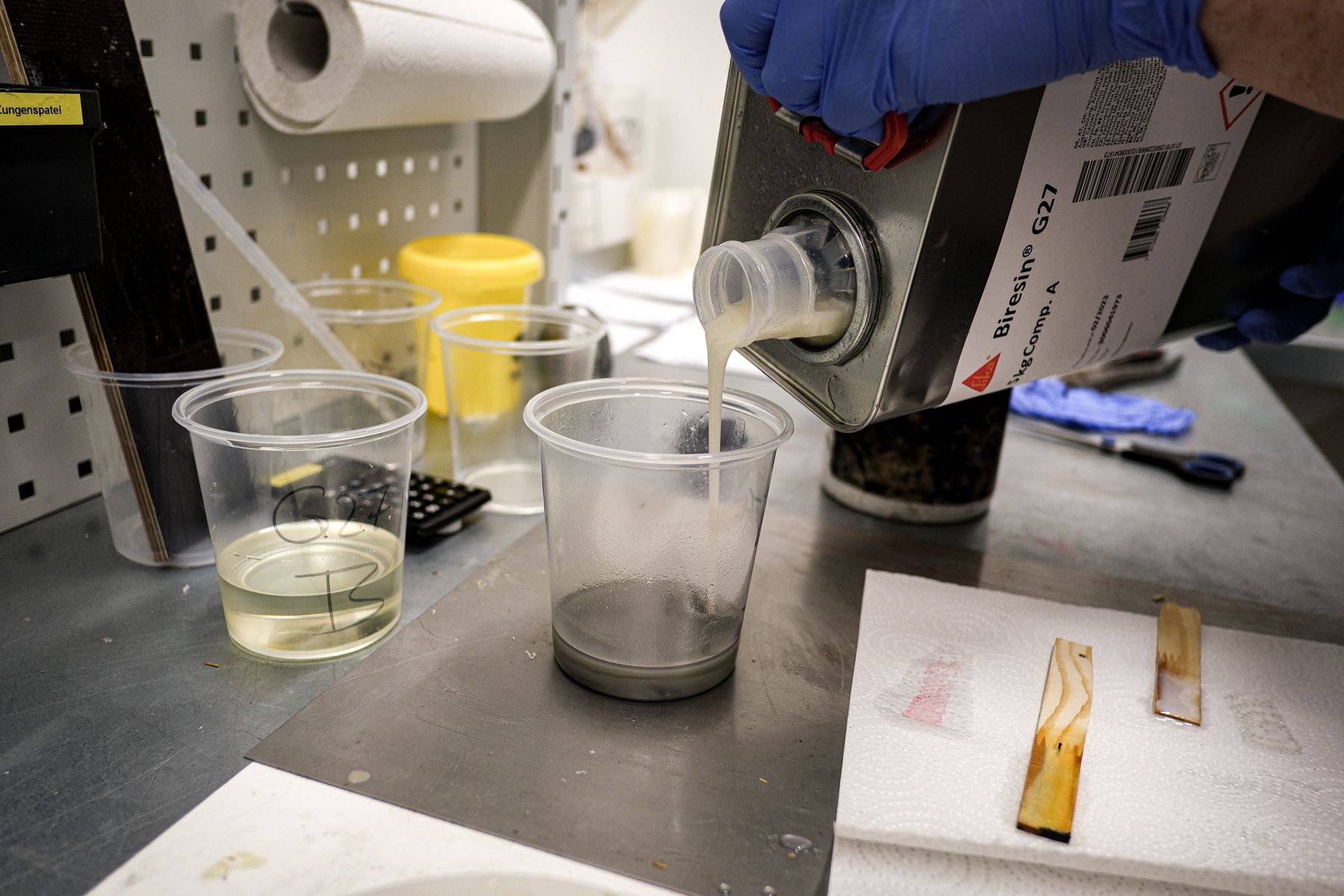
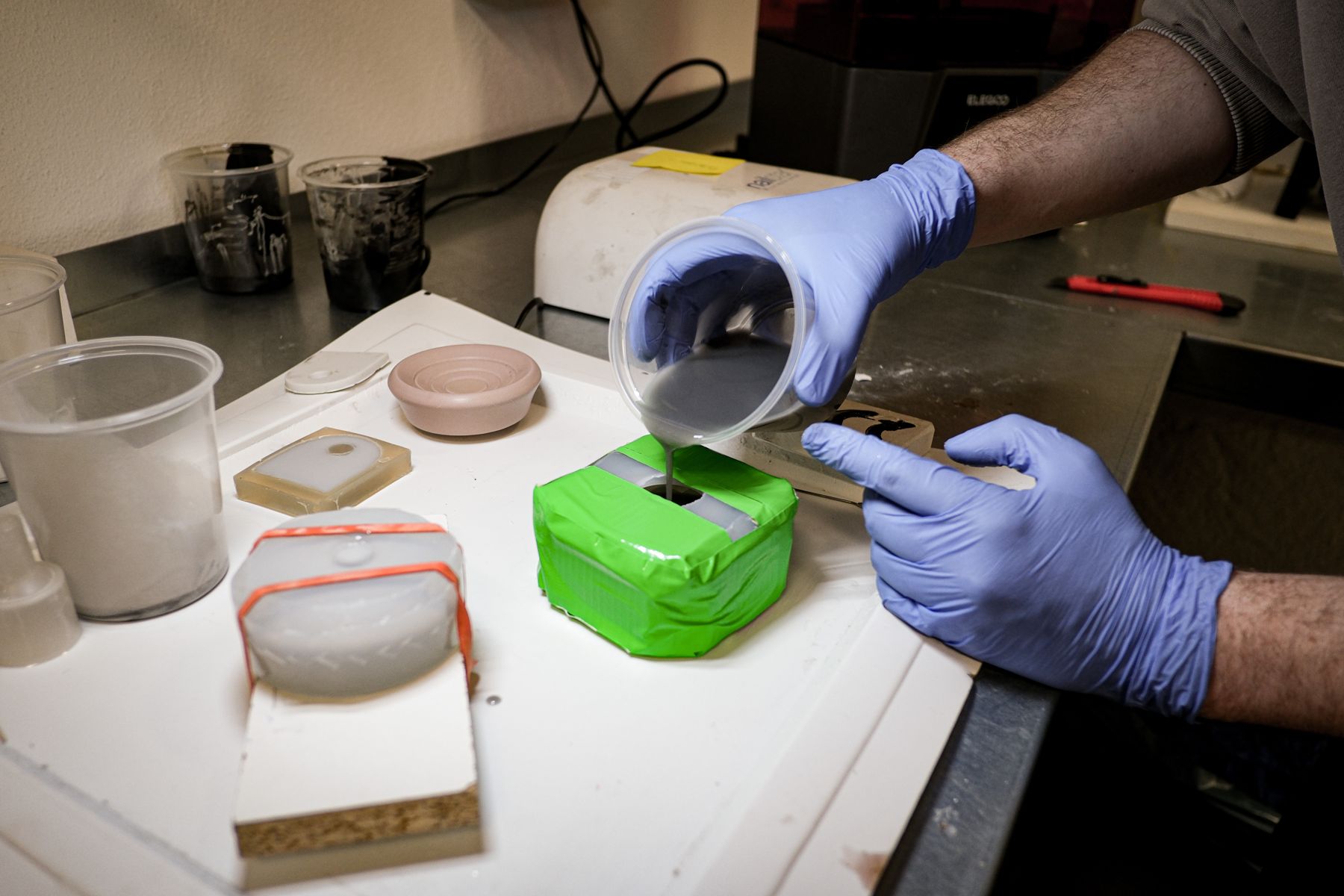
Six pours to the right grey. We cast the parts in Biresin G27, a polyurethane resin with a hard-wearing surface, dense enough to give the device real weight. We tinted it with black pigment; with two minutes before it sets, every shade meant a new pour.